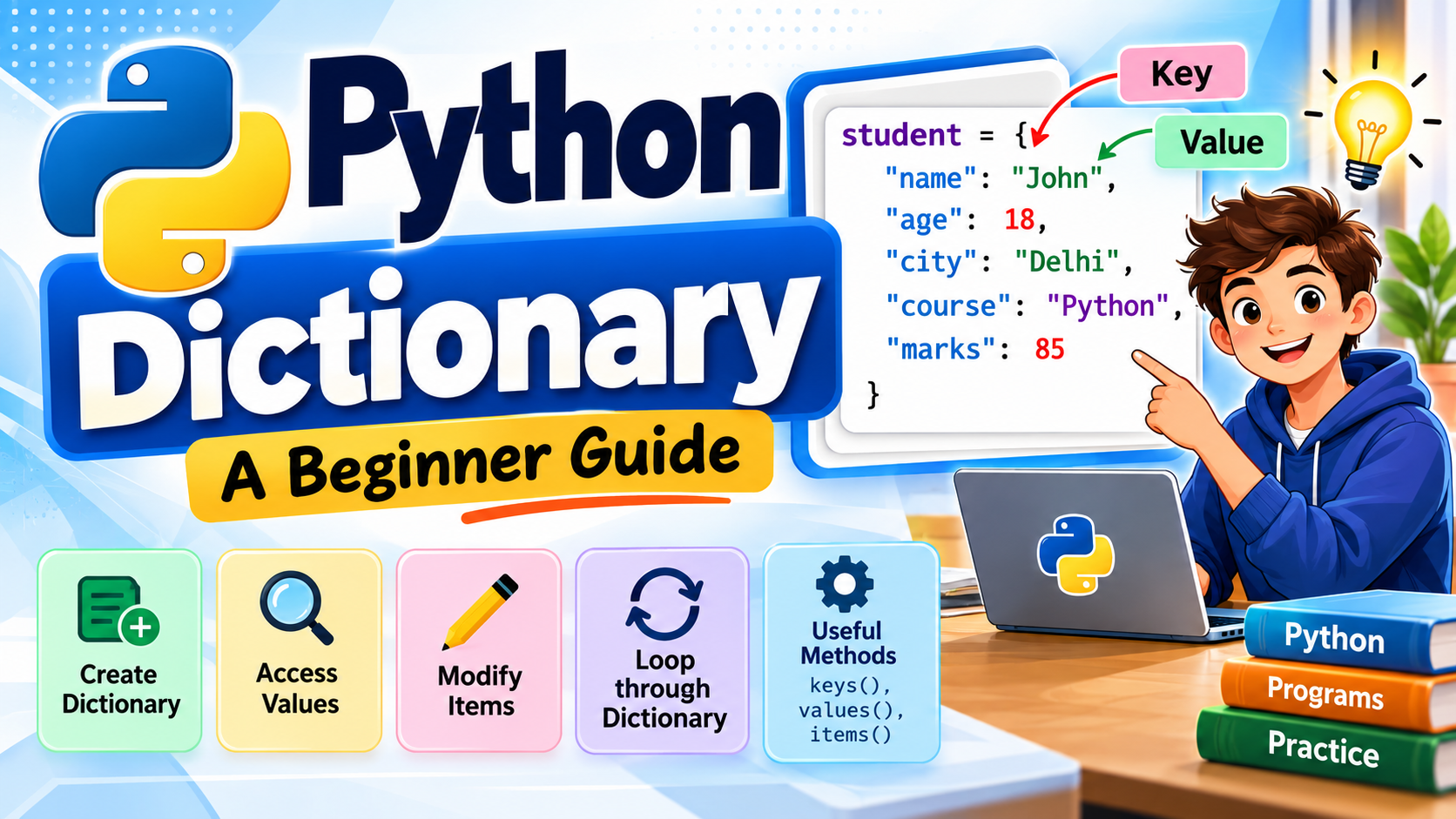
Python Dictionary: A Beginner Guide with Examples and Practice Programs
📖 1. Introduction to Python Dictionary
A dictionary in Python is a data type used to store information in key : value pairs. It is similar to a real-life dictionary, where a word helps you find its meaning.
💡 Think of it this way: the key tells Python what information you are looking for, while the value contains that information.
🔑 Key : Value Concept
For example, we can store a student’s details using meaningful keys:
🔎 How does it work?
🧠 Here, “name”, “age”, and “course” are the keys. Their corresponding information — “John”, 18, and “Python” — are the values.
📚 Real-life analogy: In a dictionary, you look up a word to find its meaning. In Python, you use a key to find its value.
📘 2. What is a Dictionary in Python?
A dictionary is a built-in Python data type used to store data in key : value pairs.
🔑 Key → identifies the data | 📦 Value → contains the data
📝 The basic syntax of a Python dictionary looks like this:
💡 A dictionary is written using curly braces { }. Each item is written as a key : value pair.
For example: “name” can be a key, while “John” can be its value.
🛠️ 3. Creating a Dictionary
Let’s start with a simple Python dictionary.
🖥️ Output:
🎯 Skills Required
- Variables
- print() function
- Strings
- Integers
- Basic Python syntax
💡 What happened? We created a dictionary named student and stored three pieces of information using key : value pairs.
🔍 4. Accessing Dictionary Values
⭐ This is one of the most important concepts when working with dictionaries.
🖥️ Output:
18
Python
🧠 How does it work?
To access a value, write the dictionary name, followed by the key inside square brackets [ ].
🔎 This means: Find the value associated with the “name” key.
💡 Remember: The key must be written inside square brackets [ ] to access its value.
➕ 5. Adding a New Item
You can easily add a new key : value pair to a dictionary by assigning a value to a new key.
🖥️ Output:
🧠 How did we add the new item?
The following statement creates a new key called “course” and assigns “Python” to it:
💡 Remember: If the key does not already exist, Python creates it and stores the assigned value.
✏️ 6. Changing a Value
You can change the value of an existing dictionary item by assigning a new value to its key.
🖥️ Output:
🔄 What happened?
The key “age” already existed in the dictionary. We assigned a new value, 19, to that key.
💡 Remember: If the key already exists, assigning a new value changes the existing value.
🗑️ 7. Removing an Item
One simple way to remove an item from a dictionary is to use the pop() method.
🖥️ Output:
🧠 How does pop() work?
The pop() method removes the item associated with the specified key.
💡 Here, “age” is the key we want to remove. After pop(“age”), both the key and its value 18 are removed from the dictionary.
🔹 Another way: del
You can also use del to remove a dictionary item:
📌 Remember: Both pop() and del can remove an item from a dictionary. In this tutorial, we use pop() first because it is easy to understand.
🔎 8. Checking Whether a Key Exists
You can use the in operator to check whether a key exists in a dictionary.
🖥️ Output:
🧠 How does it work?
The in operator checks whether the specified key is present in the dictionary.
💡 If “name” exists in the dictionary, the condition becomes True, and the print() statement runs.
🔗 Connection: This example combines dictionaries with the if statement you learned earlier.
📏 9. Dictionary Length
The len() function is used to find the number of key : value pairs in a dictionary.
🖥️ Output:
🧠 What does len() count?
The len() function returns the number of key : value pairs in the dictionary.
💡 Here, len(student) returns 3 because the dictionary contains three key-value pairs.
🔄 10. Looping Through a Dictionary
A for loop can be used to go through the items in a dictionary one by one.
🔑 Print Keys
A simple for loop prints each key in the dictionary.
📦 Print Values
To print only the values, use the values() method.
🔗 Print Both Keys and Values
To get both the key and its value, use the items() method.
🖥️ Output:
age : 18
course : Python
💡 Remember:
for key in student → keys
student.values() → values
student.items() → keys and values
🔗 Connection: This is a practical use of the for loop you learned earlier.
🧰 11. Useful Dictionary Methods
Python provides several useful methods for working with dictionaries. Here are the most important ones for beginners:
| Method | Purpose |
|---|---|
keys()
|
Returns the dictionary keys |
values()
|
Returns the dictionary values |
items()
|
Returns key-value pairs |
get()
|
Gets a value using a key |
pop()
|
Removes an item |
clear()
|
Removes all items |
update()
|
Adds or changes items |
💻 Small Examples
Let’s see a tiny example of each method:
🧠 Easy way to remember:
keys() → What are the keys?
values() → What are the values?
items() → What are both?
get() → Get a value
pop() → Remove one item
clear() → Remove everything
update() → Add or change items
📌 Beginner tip: You don’t need to memorize all dictionary methods at once. Start by understanding what each method does and practice them with small programs.
🔎 12. Using get()
The get() method is useful when you want to access a value without getting an error if the key does not exist.
✅ When the key exists
🖥️ Output:
⚠️ What if the key does not exist?
Suppose we try to get a key called “marks”, but that key is not present in the dictionary.
🖥️ Output:
🧠 Why is get() useful?
💡 If the requested key is missing, get() returns None instead of raising a KeyError.
⚖️ [ ] vs get()
📌 Beginner tip: Use get() when a key may not exist and you want your program to handle the missing key safely.
🎓 13. Simple Practical Program
Let’s finish with a small Student Information Program that puts the dictionary concepts into practice.
📝 Example:
🖥️ Output:
——————
Name : John
Age : 18
Course : Python
Marks : 85
🧠 What did we use?
✔️ Created a dictionary
✔️ Stored data using key : value pairs
✔️ Accessed values using keys and [ ]
✔️ Used print() to display the information
🚀 Why is this useful? A dictionary can store related information about a student, product, employee, book, or many other real-world objects. This makes dictionaries very useful in practical Python programs.
⚖️ 14. Dictionary vs List
A quick comparison can help you understand when to use a List and when to use a Dictionary.
| 📋 List | 📖 Dictionary |
|---|---|
| Stores items in a sequence | Stores data as key-value pairs |
| Accesses items using an index | Accesses values using keys |
| Uses square brackets [ ] | Uses curly braces { } |
Example:
["Python", "C"]
|
Example:
{"name": "John"}
|
💡 Simple idea: Use a List when items are naturally arranged in a sequence. Use a Dictionary when you want to identify information using meaningful keys.
🧠 Remember: List → index | Dictionary → key
🧠 15. Important Points to Remember
Before moving on, keep these important dictionary concepts in mind:
📌 Remember:
- A dictionary uses { }.
- Data is stored as key : value pairs.
- Keys are used to access values.
- Keys should be unique.
- Dictionary values can be of different data types.
- Dictionaries can be modified after creation.
- keys(), values(), and items() are commonly used methods.
💡 Quick memory: Dictionary → key : value → access using the key.
💻 16. Dictionary Practice Programs – Solutions
Try solving these programs yourself first. Then compare your solution with the examples below.
1️⃣ Create and Print a Dictionary
Create a dictionary containing a student’s name, age, and city.
student = {
    "name": "John",
    "age": 18,
    "city": "Delhi"
}

print(student)
{‘name’: ‘John’, ‘age’: 18, ‘city’: ‘Delhi’}
2️⃣ Print Only the Name
Print only the student’s name from the dictionary.
student = {
    "name": "John",
    "age": 18,
    "city": "Delhi"
}

print(student["name"])
3️⃣ Add a New Item
Add a “course” key with the value “Python”.
student = {
    "name": "John",
    "age": 18
}

student["course"] = "Python"

print(student)
{‘name’: ‘John’, ‘age’: 18, ‘course’: ‘Python’}
4️⃣ Change a Value
Change the student’s age from 18 to 19.
student = {
    "name": "John",
    "age": 18
}

student["age"] = 19

print(student)
{‘name’: ‘John’, ‘age’: 19}
5️⃣ Remove an Item
Remove the “city” item from the dictionary.
student = {
    "name": "John",
    "age": 18,
    "city": "Delhi"
}

student.pop("city")

print(student)
{‘name’: ‘John’, ‘age’: 18}
6️⃣ Check Whether a Key Exists
Check whether the “course” key exists.
student = {
    "name": "John",
    "course": "Python"
}

if "course" in student:
    print("Course is available")
7️⃣ Find the Number of Items
Find the number of key-value pairs.
student = {
    "name": "John",
    "age": 18,
    "course": "Python"
}

print(len(student))
8️⃣ Print All Keys
Use a for loop to print all keys.
student = {
    "name": "John",
    "age": 18,
    "course": "Python"
}

for key in student:
    print(key)
name
age
course
9️⃣ Print Key-Value Pairs
Use a for loop to print each key and value.
student = {
    "name": "John",
    "age": 18,
    "course": "Python"
}

for key, value in student.items():
    print(key, ":", value)
name : John
age : 18
course : Python
🔟 Use get() to Access a Value
Use get() to access an existing and a missing key.
student = {
    "name": "John",
    "age": 18,
    "course": "Python"
}

print(student.get("course"))
print(student.get("marks"))
Python
None
💡 Tip: Try each program yourself before checking the solution. Practice is the best way to remember dictionary concepts.
🎯 17. Conclusion
🐍 Python dictionaries provide a simple and powerful way to organize related information using key : value pairs.
Once you understand how to create, access, add, change, and remove items, you can use dictionaries in many real-world Python programs. They are especially useful when information needs to be identified using meaningful names instead of numeric indexes.
💡 Keep practicing! The best way to understand dictionaries is to create small programs and experiment with different keys and values.
