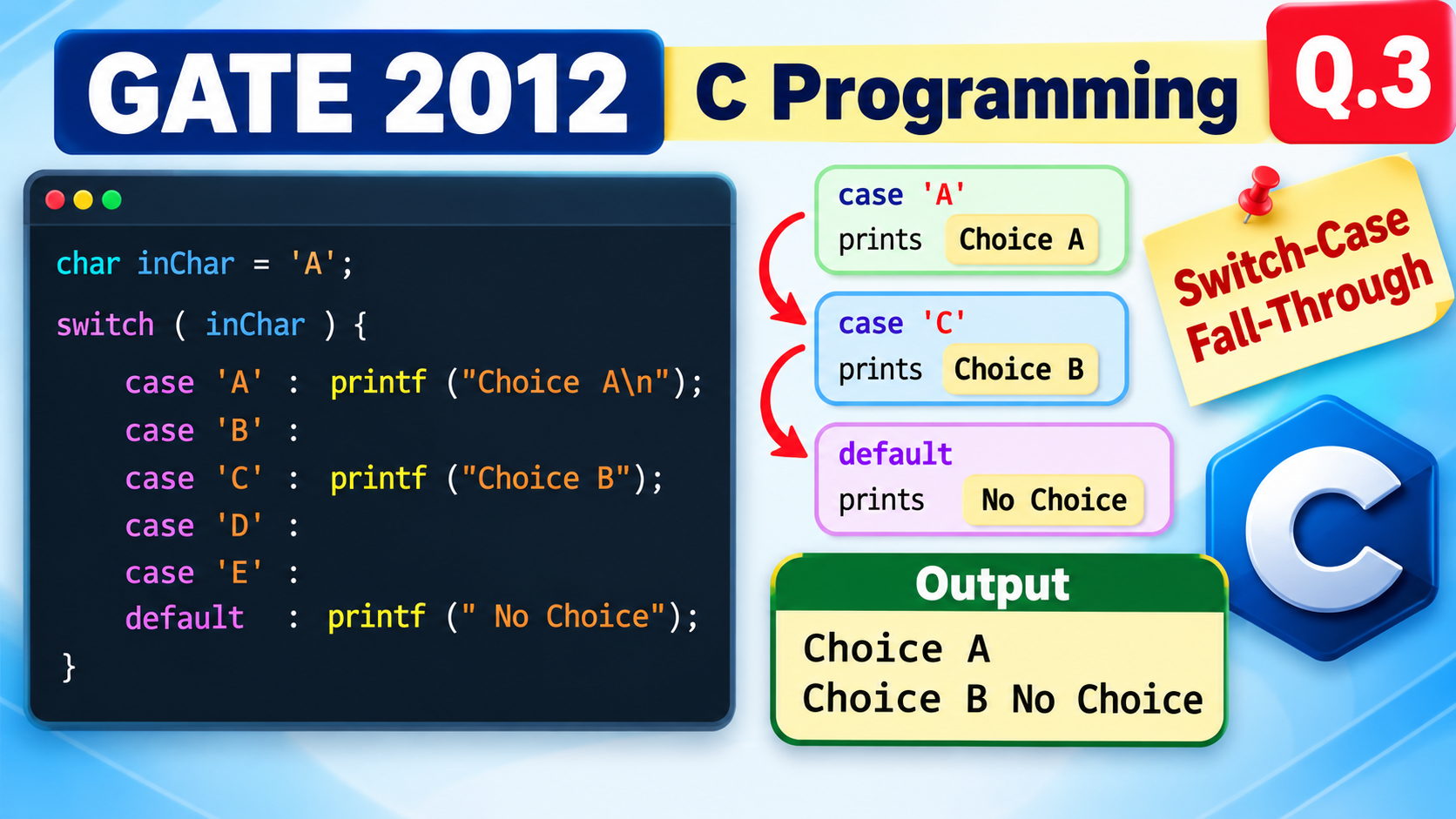
GATE 2012 COMPUTER SCIENCE & INFORMATION TECH. – CS – C Programming | Q.3
char inChar = 'A';

switch (inChar) {

    case 'A':
        printf("Choice A\n");

    case 'B':

    case 'C':
        printf("Choice B");

    case 'D':

    case 'E':

    default:
        printf(" No Choice");

}
Choice B No Choice
Solution
char inChar = 'A';

switch(inChar)
{
    case 'A' :
        printf("Choice A\n");

    case 'B' :

    case 'C' :
        printf("Choice B");

    case 'D' :

    case 'E' :

    default :
        printf(" No Choice");
}
case 'A' :
    printf("Choice A\n");
Choice A
case 'B' :

case 'C' :
    printf("Choice B");
Choice A
Choice B
default :
    printf(" No Choice");
Choice A
Choice B No Choice
Choice A
Choice B No Choice
case X:
    statements;
    break;
- If break is present → the switch statement ends.
- If break is absent → execution continues into the following cases.
switch(x)
{
    case 1:
        printf("A");

    case 2:
        printf("B");

    case 3:
        printf("C");
}
ABC
- case ‘A’ prints “Choice A”.
- There is no break, so execution falls through to the next cases and prints “Choice B”.
- Execution continues further and reaches default, which prints ” No Choice”.
switch Expression in C
In C, the expression written inside the parentheses of a
switch()
statement is called the switch expression.
{
case constant:
statements;
}
The value produced by the switch expression is compared with the
values specified in the case
labels.
1. What data types are allowed in switch()?
In C, the switch expression must produce an integer value. Therefore, integer types such as the following can be used:
- char
- short
- int
- long
- enum
The most commonly used type is int, but char and enum are also frequently used with switch statements.
2. Example using int
switch (choice)
{
case 1:
printf(“One”);
break;
case 2:
printf(“Two”);
break;
}
Here, choice
is an int, so it can be used as the switch expression.
3. Example using char
switch (ch)
{
case ‘A’:
printf(“Choice A”);
break;
case ‘B’:
printf(“Choice B”);
break;
}
A char can be used because a character is represented internally by an integer character code.
'A' has an integer character code (65 in ASCII),
'B' has 66, and so on.
4. Data types not allowed in switch()
Floating-point and string values cannot be used as the switch expression in C.
| Data Type | Allowed? | Example |
|---|---|---|
| int | ✓ Yes |
switch(x)
|
| char | ✓ Yes |
switch(ch)
|
| short / long | ✓ Yes |
switch(n)
|
| enum | ✓ Yes |
switch(color)
|
| float | ✗ No |
switch(2.5)
|
| double | ✗ No |
switch(3.14)
|
| string | ✗ No |
switch(str)
|
5. Why can char be used?
In C, a character is stored as an integer character code. For example, using the commonly used ASCII encoding:
Therefore, a statement such as:
switch(ch)
can be used because the value of ch is an integer
character code.
6. What about case labels?
The values written after case must be
constant expressions that are compatible with
the switch expression.
For example:
switch(x)
{
case 1:
printf(“One”);
break;
case 2:
printf(“Two”);
break;
}
Here, 1 and 2 are constant integer values,
so they can be used as case labels.
            int a = 1;

            case a:   /* Not valid */
7. Complete Example
int main()
{
char inChar = ‘A’;
switch(inChar)
{
case ‘A’:
printf(“Choice A”);
break;
case ‘B’:
printf(“Choice B”);
break;
default:
printf(“No Choice”);
}
return 0;
}
Since inChar contains 'A', the program
executes the statements associated with
case 'A'.
Remember the simple rule:
switch expression → integer value
So
char, int, short,
long, and enum can be used,
while float, double, and strings
cannot be used directly as the switch expression.